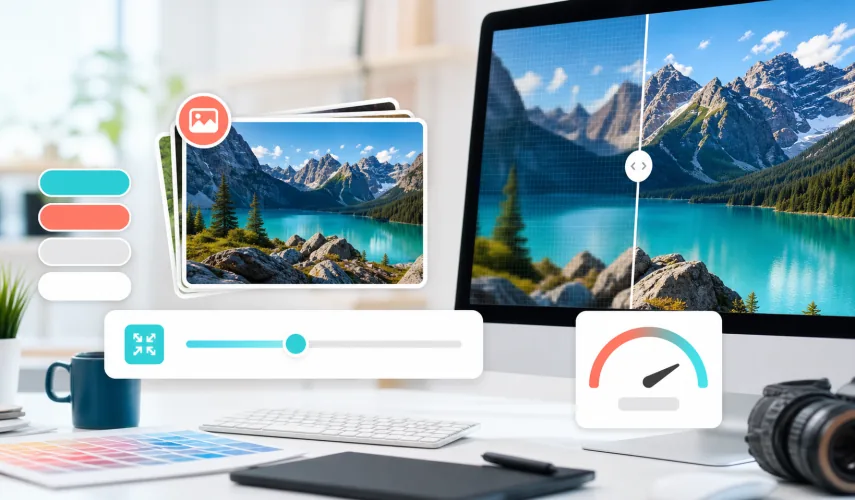
Practical rules for images that look good, load fast, and have useful descriptions.
Images are often the heaviest part of a page
On modern websites, images often make up most of the page weight. If they are not optimized, they slow down loading, use more mobile data, and hurt user experience.
Image optimization is not only compression. It includes file format, dimensions, filename, alt text, lazy loading, and how images behave in the layout.
WebP and correct dimensions
WebP is a good choice for most web photos and illustrations because it provides small file sizes with solid quality. Still, format alone is not enough if a 3000 pixel image is displayed in a 600 pixel area. Image sizes should match real use.
For above-the-fold images, quality and fast loading both matter. For images lower on the page, lazy loading can help.
Alt text should be useful
Google image guidelines recommend descriptive filenames and alt text that help explain the image. Alt text is not a place for keyword stuffing. It should briefly describe what the image shows and how it relates to the content.
- Weak: image1.webp
- Better: responsive-web-design-phone-laptop.webp
- Weak: website SEO web design best price
- Better: Responsive website shown on laptop and phone
Images also affect layout
When image width and height are not defined, content can jump while loading. This hurts visual stability and user experience. Images should have known dimensions or a stable aspect ratio.
Web Design Serbia studio optimizes images for blog posts, portfolio pages, and main pages so the website stays fast, visually clear, and SEO ready.
Web Design Serbia studio includes image optimization in new website development and existing website redesign.
Next step for this topic
For practical application, review fast business website development or complete the website inquiry form if you want an estimate for a concrete project.
Image optimization without losing persuasion
Images should be small, but they should not lose meaning. If a photo is compressed so much that a visitor cannot clearly see the product, space, team, or work detail, technical optimization starts hurting conversion. The right dimensions, WebP format, meaningful crop, and alt text that describes the real image content matter.
For home and service pages, key images should be prepared separately for desktop and mobile layouts. This keeps loading fast while preserving visual quality that helps users understand the offer.
Planning a similar project?
If you want to apply this advice to your business website, review the related services or send a short inquiry so we can estimate the scope.